

etenders.kerala.gov.in is the Government of Kerala’s e-procurement portal. Kerala State IT Mission (KSITM) runs it on GePNIC, the e-procurement software of the National Informatics Centre (NIC). Local bodies, PWD, the irrigation department, KSEB, devaswom boards and others publish their tenders there.
Since 1 January 2026, Kerala charges bidders a registration fee, a yearly renewal fee and a processing fee on every bid. This guide sets out the fees, then how to enroll, pay, log in and bid. We checked it all on etenders.kerala.gov.in on 17 October 2026.
The short answer
- Registration: ₹500 plus GST, once. Renewal: ₹100 plus GST, every year.
- Each bid: ₹250 to ₹1,300 plus GST, by tender value.
- DSC: Class 3, signing certificate only.
- Payment: online through SBI MOPS. From other banks, pay 72 hours early.
- Help: 0471-2577088, working days, 10.15 am to 5.15 pm.
The fees since 1 January 2026
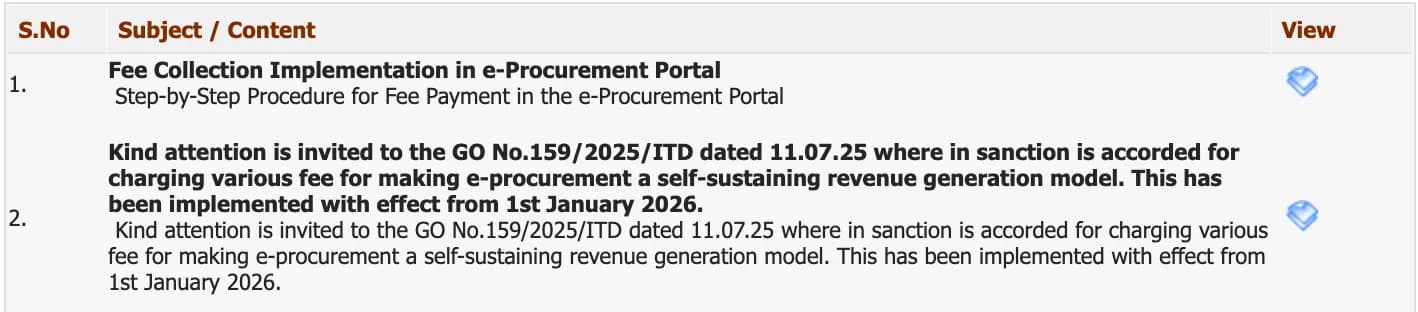
Kerala’s Electronics and Information Technology Department ordered the fees in G.O.(Rt) No. 159/2025/ITD of 11 July 2025, to make e-procurement pay for itself. The portal announced that they apply from 1 January 2026.
| Fee | Amount | With 18% GST |
|---|---|---|
| Registration, once | ₹500 | ₹590 |
| Renewal, every year | ₹100 | ₹118 |
| Processing fee per bid, tender value up to ₹10 lakh | ₹250 | ₹295 |
| Processing fee per bid, ₹10 lakh to ₹50 lakh | ₹650 | ₹767 |
| Processing fee per bid, above ₹50 lakh | ₹1,300 | ₹1,534 |
Most bidders will pay the lowest slab. Of the open Kerala tenders that showed a value on 17 October 2026, 4,530 of 5,594, or 4 in 5, were worth less than ₹10 lakh.
What is on Kerala’s portal
We counted the open tenders on Tenderkart on 17 October 2026:
- Almost all works. 5,550 of 6,330 open tenders were for works.
- Local bodies lead. The Local Self Government Department had 4,124, then PWD (395), the irrigation department (246), the Travancore Devaswom Board (237) and KSEB (181).
- Small and quick. The middle tender was worth about ₹4.5 lakh, and 4,363 closed within 7 days.
What you need before you start
- A Class 3 DSC with a signing certificate, in the name of the person who will bid. A new DSC can take up to 24 hours to become active on the portal.
- An email and a mobile number. The email becomes your login ID and can never be changed.
- A document proving your business for the registration step, and your firm’s PAN, registration number and address for the form.
- SBI MOPS access: net banking with SBI or another bank, to pay the fees.
How to enroll and pay the registration fee
- Open etenders.kerala.gov.in and click Online Bidder Enrollment.
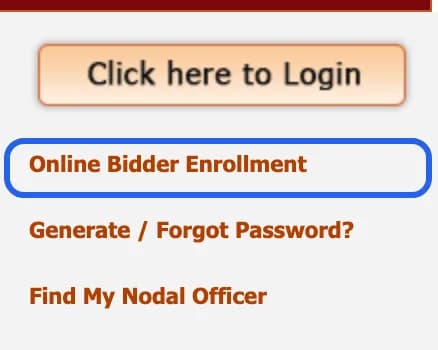
On the Kerala eTenders home page. Highlight added by Tenderkart. Screenshot taken 17 October 2026. - Fill the form: your email as the Login Id, a correspondence email, your mobile, your company details and a contact person. Type the captcha and click Submit.
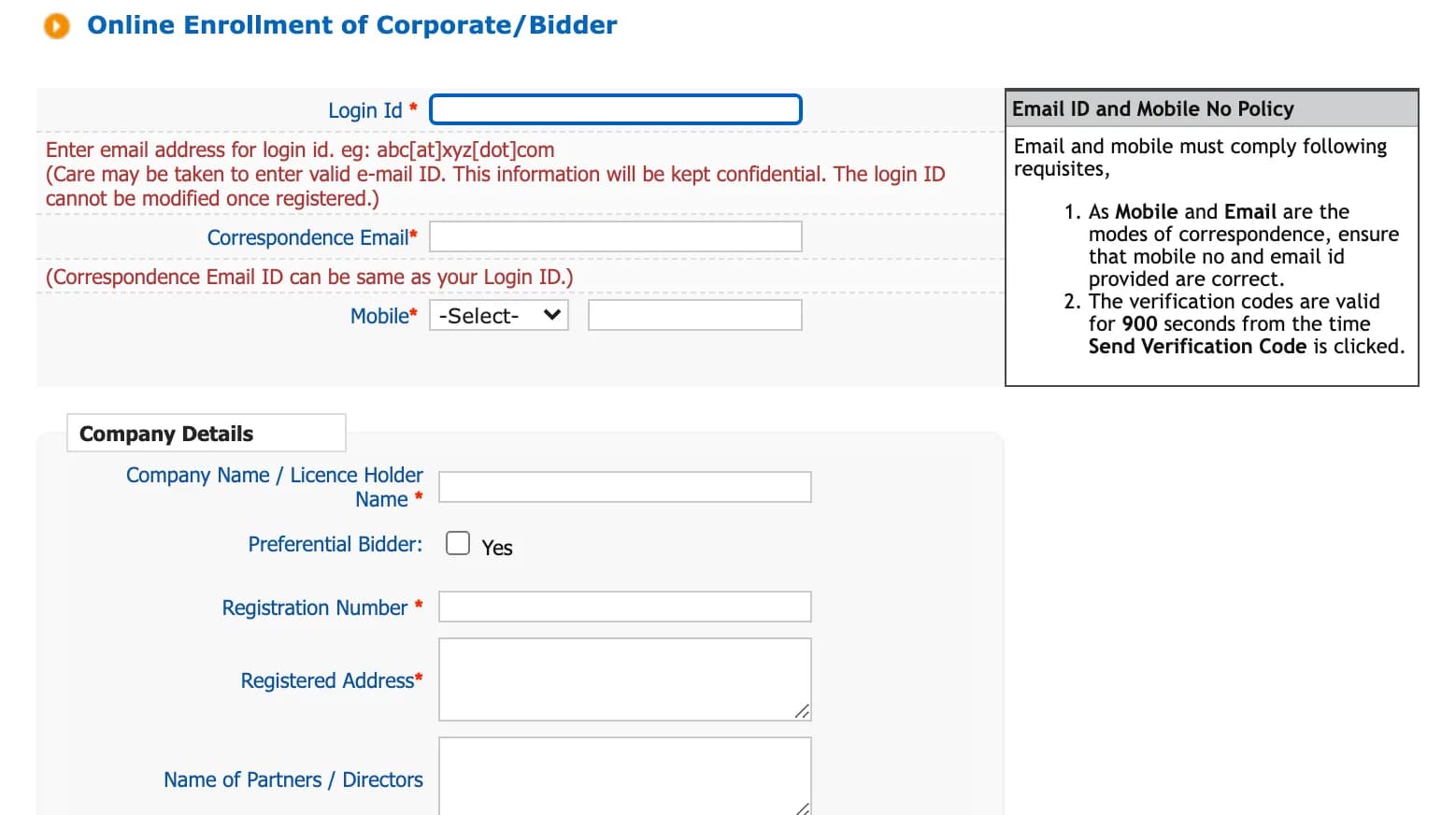
The enrollment form on etenders.kerala.gov.in. Screenshot taken 17 October 2026. - Enter the verification codes sent to your email and mobile within 15 minutes, then set your password.
- Log in and register your DSC: plug in the token, select your certificate and click OK.
- Pay the registration fee. Kerala’s procedure says that after you log in, the portal asks you to upload a registration document, “any valid proof of business identity”, then takes you to SBI MOPS to pay. Once the payment succeeds, you can bid.
How to log in
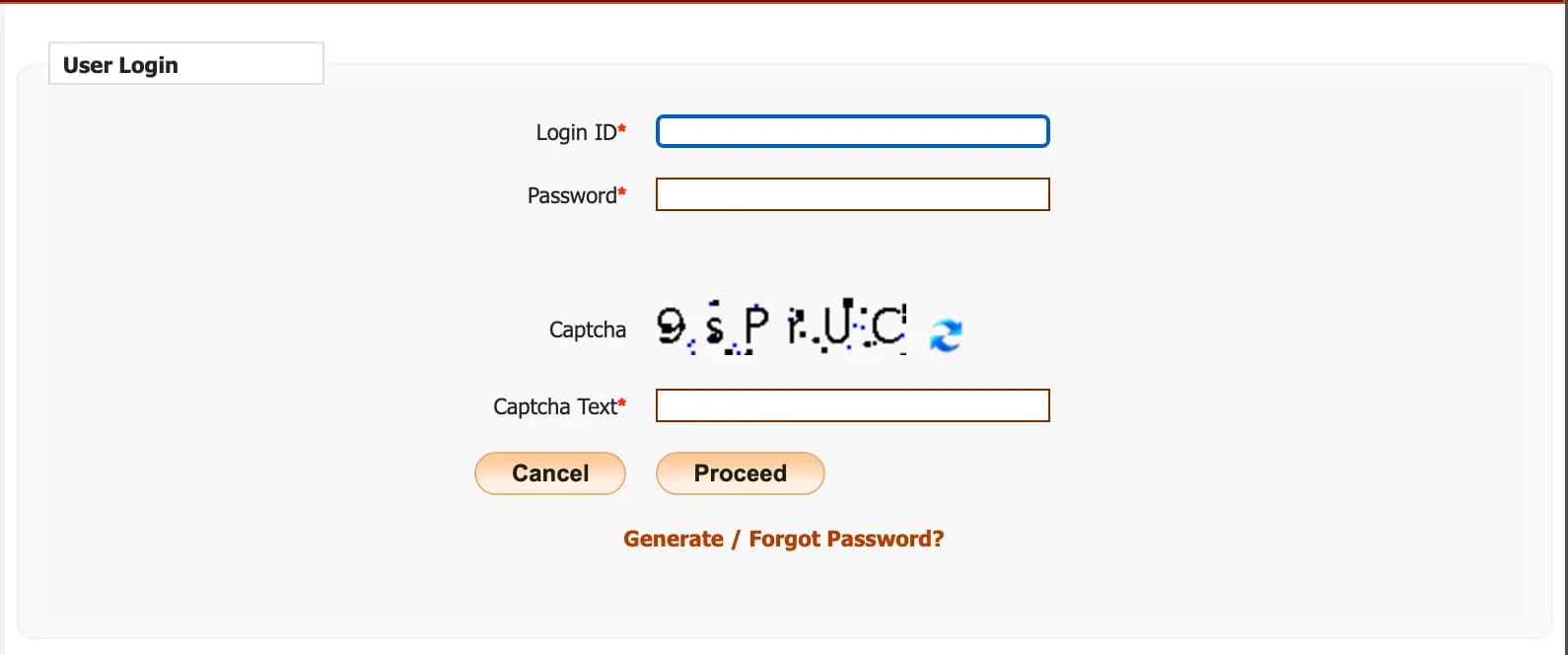
- Plug in your DSC token.
- Click Click here to Login, enter your login ID, password and the captcha, and click Proceed.
- Select your DSC and enter the token PIN when asked.
Forgot your password? Click Generate / Forgot Password?; the new password goes to the alternate email in your profile. Every year, when your renewal is due, the portal asks for the ₹100 renewal fee.
How to bid and pay the processing fee
- Find the tender with Search Active Tenders and add it to My Tenders.
- Open it, click Proceed for Bid Submission and accept the terms.
- Fees: the portal works out the processing fee from the tender value. You pay it on SBI MOPS together with the EMD and the tender fee, and the portal lets you submit only after the payment succeeds.
- Exemptions: Kerala’s guide has you choose Yes or No for each fee exemption, enter the exempted amount or percentage, and upload the exemption document signed with your DSC. With a full exemption, the Pay Online button disappears. Once you click Confirm, you cannot edit the exemption.
- Upload your documents, click Freeze Bid and print the bid summary. A bid that is not frozen is invalid.
The rest works as on every NIC portal; our CPPP and NIC portals guide explains each step and the DSC rules.
Fixes for common problems
Money left your account but the payment does not show
Choose Pay Online, then SBI MOPS, and click Payment Verification at the top of the terms page. The portal says the status can take up to 72 hours to update. Bidders paying from banks other than SBI should pay 72 hours before the deadline.
The portal does not list your DSC
Install the token driver and plug the token in before logging in. A DSC issued in the last 24 hours may not be active yet. A DSC already mapped to another account cannot be remapped to yours; NIC’s FAQ says it can only be inactivated. Use another DSC, or ask the helpdesk.
Your DSC has expired
The portal inactivates it and asks for a new one at your next login. To switch before expiry, log in with the old DSC, remove it under DSC information on your dashboard, log out and log in again.
Helpdesk
- Kerala State IT Mission, e-Government Procurement PMU and HelpDesk, Saankethika, Vrindavan Gardens, Pattom, Thiruvananthapuram 695004: 0471-2577088, 0471-2577188 or 0471-2577388, government working days, 10.15 am to 5.15 pm. Email [email protected].
- NIC, 24×7: 0120-4001002, 0120-4001005 or 0120-4493395.
- Questions about a tender: the tender inviting authority named in it.
Questions people ask
Is Kerala e-tender registration free?
Not any more. Since 1 January 2026 Kerala charges every bidder a one-time registration fee of ₹500 plus 18% GST (₹590), and ₹100 plus GST (₹118) each year to renew.
How much is the processing fee on Kerala e-tenders?
It is charged on every bid, by tender value: ₹250 up to ₹10 lakh, ₹650 from ₹10 lakh to ₹50 lakh, and ₹1,300 above ₹50 lakh, each plus 18% GST. That is ₹295, ₹767 or ₹1,534.
Which order introduced the Kerala e-procurement fees?
G.O.(Rt) No. 159/2025/ITD of the Electronics and Information Technology Department, dated 11 July 2025. The portal says the fees apply from 1 January 2026.
How do I pay the Kerala e-tender fees?
Online through SBI MOPS. The registration fee is asked for after your first login, the processing fee with the EMD and tender fee when you bid, and the renewal fee when your account is due.
My payment was debited but does not show. What do I do?
Choose Pay Online, then SBI MOPS, and click Payment Verification at the top of the terms page. The portal says the status can take up to 72 hours to update, and asks bidders paying from other banks to pay 72 hours ahead.
Which DSC do I need for etenders.kerala.gov.in?
A Class 3 DSC with a signing certificate, in the name of the person who will bid. A new DSC can take up to 24 hours to become active on the portal.
What is the Kerala e-tender helpdesk number?
Kerala State IT Mission’s helpdesk in Pattom, Thiruvananthapuram: 0471-2577088, 0471-2577188 or 0471-2577388, on government working days from 10.15 am to 5.15 pm, and [email protected]. NIC’s 24×7 helpdesk is 0120-4001002, 0120-4001005 or 0120-4493395.